The problem that starts every job
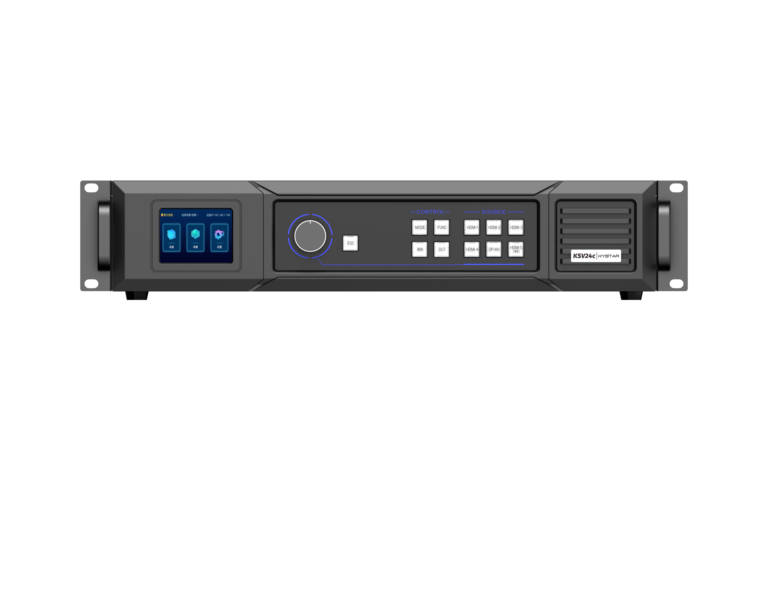
When an LED wall looks flat, with dim blacks, muddy colors, and jittering motion, the culprit is often sender-side processing rather than the panel itself. In Cairo or Times Square, teams rely on the sender chain to deliver crisp frames; if that chain mismanages gamma or frame timing the whole picture suffers. Start by checking the LED video controller — it’s the common point where color space, refresh rate, and frame synchronization are set, and it’s usually where the first fixes happen.
Where to look first — quick diagnostics
Begin with simple, observable checks. Confirm the sender card reports the expected pixel clock and refresh rate. Verify pixel pitch assumptions match the content’s intended viewing distance. Inspect the signal path: cables, converters, and the sender card’s firmware. A wrong color bit-depth or an enabled HDR passthrough without proper tone mapping will turn highlights into blocks, and shadows into soup. Note processing latency as you test — excessive latency often signals extra buffering or unnecessary scaling.
Practical fixes that actually move the needle
Apply these steps in sequence, and you’ll see measurable improvement fast. First, set native resolution on the sender and disable any automatic scaling. Next, align gamma correction to your content pipeline — 2.2 is common for broadcast-like setups. Tighten frame synchronization between the media server and display to prevent tearing. Where possible, use the controller’s LUTs only for final profiling, not heavy real-time adjustments; LUT misuse creates banding. Calibrate color temperature and white point with a test pattern and a probe if available. These changes target processing mistakes upstream of the LED cabinet, reducing the need for panel-level tweaks.
Common mistakes and smarter alternatives
Teams often enable “enhancement” features by default — edge sharpening, dynamic contrast, aggressive noise reduction. These create artifacts on large screens. Instead, choose a minimal processing chain: passthrough where feasible, fixed gamma, and a single, well-characterized LUT. If viewers still notice flicker on phone cameras or broadcast, raise the refresh rate and confirm frame synchronization with the camera frame rate; many venues run at 60Hz or higher for this reason. For teams working to a budget, a reliable sender card and disciplined signal routing beat expensive panel swaps every time.
Operational teardown: integrating tools and terminology
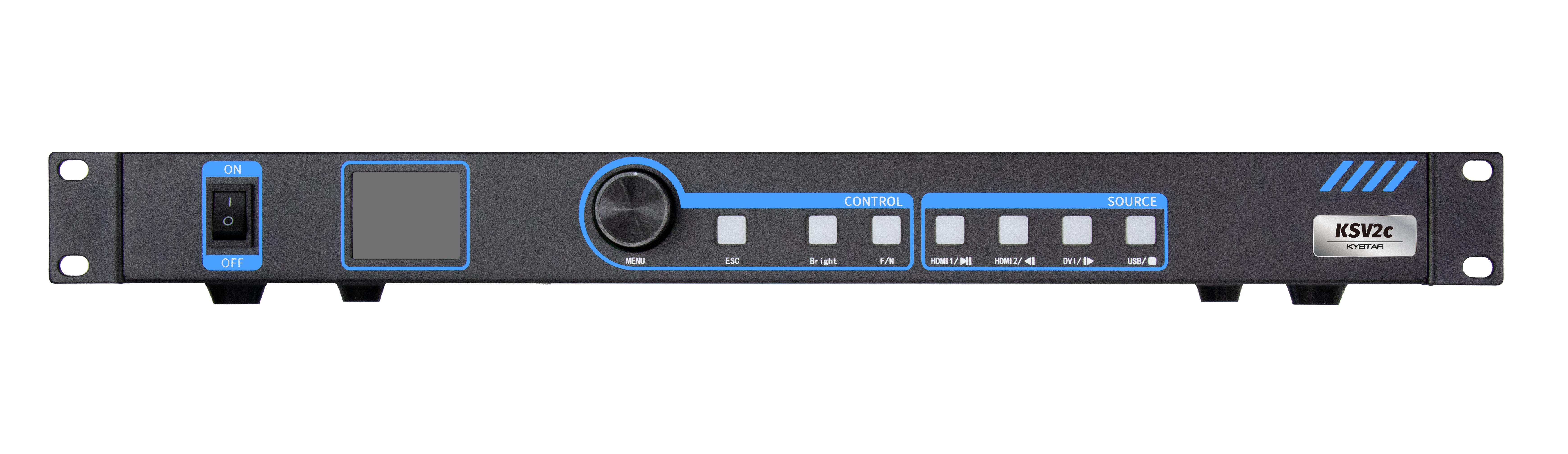
In an operational production teardown, document each component: media server output settings, the sender card firmware version, cabling topology, and any converters. Include explicit notes on processing latency (ms), the active refresh rate (Hz), and the pixel pitch used. Mention {main_keyword} and {variation_keyword} as placeholders in your checklist so future crews know where to plug measured values into the control system. This teardown becomes your living reference for repeatable results and fewer surprises on event day.
Real-world anchor and credibility
Large deployments — think the LED billboards of Times Square during New Year’s broadcasts — prove these principles. Those teams standardize on high refresh rates, strict color pipelines, and robust frame synchronization to avoid flicker and maintain color integrity on camera. That practice is industry common-sense and it’s why a tight sender workflow is prioritized in professional installs.
Advisory: three golden rules for choosing processing strategies
1) Measure first: track processing latency, refresh rate, and color accuracy before changing anything. These metrics show whether the sender or the panel needs attention. 2) Simplify the chain: prefer native resolution, fixed gamma, and a single calibrated LUT over layered “correction” features. 3) Match tools to use-case: for live broadcast prioritize frame synchronization and refresh rate; for exhibition prioritize color fidelity and low processing latency.
Final note
These steps reduce image noise and restore contrast without guessing — practical, field-proven moves that save time and money. Kystar. —